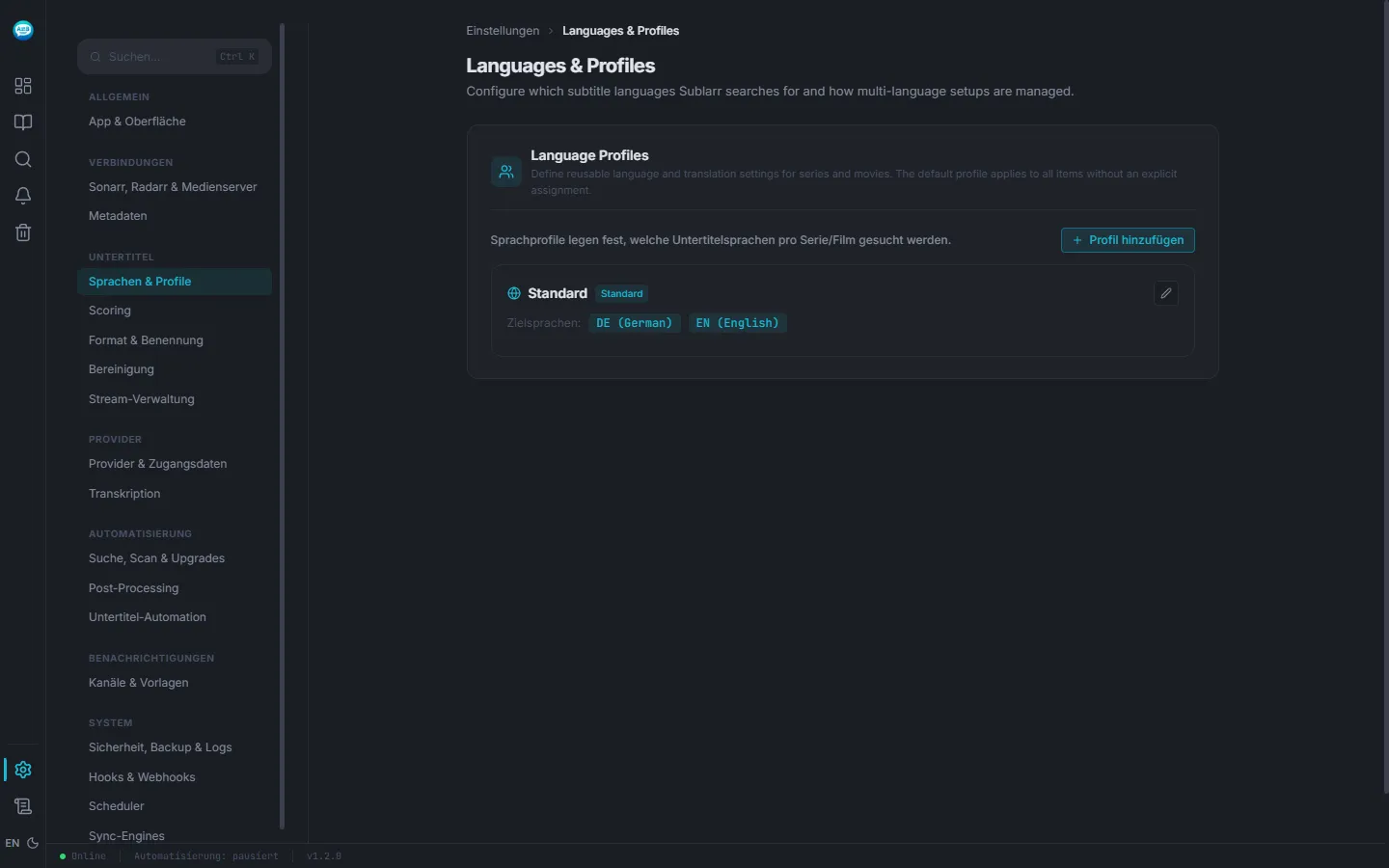
Full UI in English
Every button, every tooltip, every error — translated. Switch to German with one click in the top-right.
183 languages
Every ISO 639-1 language, with English and German names — from English and Japanese to Welsh, Khmer or Yoruba. What you find depends on what the providers have in that language.
Profiles by tag
Each series gets the profile that fits. Not "global rules apply to all" — you decide per tag which languages are required.
Every script stays readable
Many subtitles are not stored as UTF-8 but in older encodings — Windows-1250 to -1253, Cyrillic, Greek, Turkish, Hebrew, Chinese GBK or Big5. Sublarr reads each file in the encoding its language is written in, or the one the provider detected, and saves it as UTF-8. Accents, umlauts and non-Latin letters survive instead of turning into “�”; UTF-16 files are accepted.
Cutoff: no wasted searches
Once your required language is in, Sublarr stops searching — saves provider quotas and speeds up the next job. Optionally: if the video already has German audio, German subtitle searches get skipped.
Set up in five minutes
The default profile covers most cases. If you want more: a tag in Sonarr, a profile in Sublarr — done.